Bron
Samenvatting
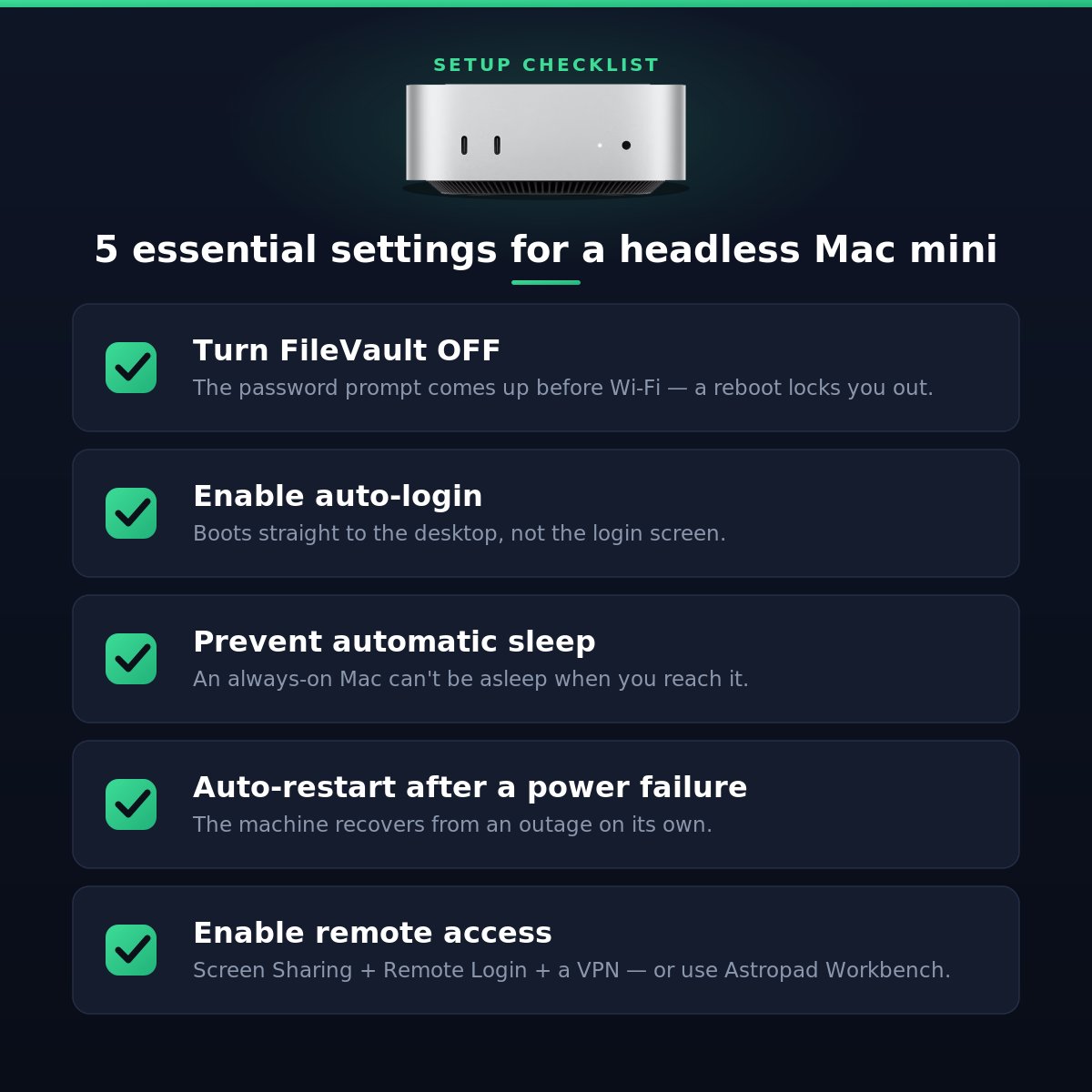
Running a Mac mini headless - no monitor, no keyboard, always on? Here are 5 essential settings: 1. FileVault OFF — With it on, a reboot leaves you locked out. 2. Auto-login ON — boots straight to the desktop 3. Prevent automatic sleep — you can't reach it if it's asleep 4. Start up automatically